Sunday, February 6, 2011

30 day challenge: Day 6 Jump Knee tuck


Today, I shot the second part of my project. Yesterday, I made the text for the project and today I'm making the content. I decided to go with something near and dear to my heart: P90x. I decided to capture one of the high flying moves from the program.

I got the idea from watching some lighting videos of Joe McNally. He had this amazing athlete flying through the air, and he was getting some great shots. I attempted the same thing except I didn't have an amazing athlete, just me.

I set up all of the lighting gear and had my amazing wife take the shots. I used my DIY softbox as the key light, firing from camera left. Then, I had a bare flash as a kicker coming in from behind me from camera right. The kicker light was gelled red and had a home made flag to keep the light from creating flare.

After shooting, I didn't do much editing. The only real change was darkening the background so I would stick out more. I was really trying to create a dark image like they use on many of the P90x DVDs. I didn't quite get enough drastic change from dark to light, but I'm still happy with a 10 minute shoot.


Saturday, February 5, 2011

30 day challenge: Day 5 Extreme Text!


I've never really gotten into any type of editing and designing that isn't directly related to photography. I've never really messed with any kind of graphic design. Today, I played around with making text for a two day project.

The project is going to have an exercise theme, so, of course, I went with a word that describes my favorite workout program: Extreme.

For the background, I had a plain black that I shaded to grey using a regular gradient. I then added a motion blur to create some lines in it. I played around with fonts for awhile, trying to find one that really fit my concept. I wasn't super happy with what I got. My font selection is pretty pathetic. I did go online and find some pretty sweet ones for future use though. On a new layer, I added random spots with a regular brush. From those spots, I added texture by using a textured image and a distortion map. It's hard to explain how this really worked, but it pretty much took the textured image and streaked it through the spots I made.


The last thing I did was add some style layers to the texture and the word. It created a 3d look on the texture, making it jump out more. With the text, I simply added a stroke a bevel around it to give the word some depth.

It's nothing amazing, but hopefully, it will look pretty sweet with the photo I have planned for tomorrow.

Friday, February 4, 2011

30 day challenge: Day 4

For today, I went back and found a senior picture of Corey to mess with. I experimented with several different things, so it was a fun day.

First, I made a background by adding circular gradients, creating a gray circle slowly transitioning into the black. I added several of these, so the background appears more gray than black.

Next, I added Corey's photo and masked out the background. After that, I used an adjustment layer to darken the image and add more contrast.


The next part was probably the most useful. In photoshop, there are custom shapes. When I looked at them, there were only about 15. Then, I loaded all of them. Now I have the option of adding all types of shapes to my image. The shape I used was called Registration Target 2. It pretty much created a circular pattern where rays came off from the center. I put that directly behind Corey and masked out several parts of it.

Another beneficial thing from this was the brushes I downloaded. I got some pretty sweet grunge brushes and spray paint. I used this to add some grunge around the edges of the photo. The last two steps were pretty easy: added a gradient map to drop the colors but to add contrast and a hue saturation layer to give the whole photo a color.

Tomorrow, I'm starting a little project, and the first part will actually be text related and not photos, something I really don't have much experience with. It should be a fun process.

Thursday, February 3, 2011

30 day challenge: Day 3

Today, I did decide to work with photoshop. I followed a tutorial that I found on the internet. I started by making the background using a texture. I added blur to create a smooth transition from one part to the next. I then added noise to give it back some texture.

After finishing the background, I added a photo layer. I wanted the image to blend in and didn't want to see the image's background, so I used a layer mask to hide the background. After that, I pretty much just added a hue saturation layer to give it the bluish color.


The tutorial added another image and some text. I did this at first, but then I decided it was kind of lame, so I dropped it. This left a black spot on the right, but I thought it look decent the way it was.

Wednesday, February 2, 2011

30 day challenge: Day 2 Illustrator poster

Day two and I'm already going off a little bit from my original idea. I said I would be learning photoshop, but I decided to try Illustrator. I found an interesting tutorial and decided to go with it. I really don't know much about Illustrator and have used it maybe twice, so this was a good opportunity for me.

First of all, the poster I created is supposed to be funny, not serious. Please don't think that I have negative feelings about parenthood. It's not that at all. I was just following along with the tutorial and there poster was an action film, so I needed an idea that would create suspense. That's what I came up with.


Anyway, I learned how to create skewed image holders and insert images into these frames. I also learned how to create lines and add brush strokes to them. The coolest part was adding a texture to the text through a mask. The original text was just plain red, but then I found a texture image and applied it to the words. Neat stuff.

I could have done the same thing in photoshop, but it would have been done differently and then I wouldn't have had a chance to experiment with a new program.

Tuesday, February 1, 2011

30 day challenge: Day 1 Fireball


I've decided to spend the next 30 days learning and improving my photoshop skills. I think I'm pretty decent at using photoshop for editing photos for weddings, but there is so much more out there on the creative side that I have never touched. Photoshop is such a powerful program and I'm only using the smallest of its capabilities. This will be my chance to expand my horizon, tap into my creative side, and hopefully, become an overall better photographer.

For my first day, I went with something I've always loved: superheroes. The thought of having special powers has always intrigued me. I use to just sit around and daydream about it when I was little. Today, the dream comes a reality. I am going to master a fireball!!!

Ashley was kind enough to take the photo for me once I had all the lights set up. it was a pretty easy, two light setup. I had one flash sitting on a chair in front of me aiming at my face. I used a homemade straw grid to keep the beam of light narrow. Then, I had a second flash set off to the side to illuminate some of my body and the side of my head. If I would have thought about it more, I would have put it on the side of the fireball, so the shadows would look more realistic, but I didn't. The second flash was flagged so the light wouldn't spill onto the background.

In general with editing, I used a stock photo of fire and erased and manipulated it to fit and flow from my hand. I then added hue/saturation adjustments to my hand to create a colored glow. I also created a brightness adjustment and hue saturation for the side of my face to make it look like the fire was lighting my face.

Overall, I am pretty happy with the results. I got some more experience playing around with masks and adjustment layers, and got to see an idea come from my brain and onto the screen.

Monday, January 17, 2011

Chris and Rachel's Wedding

For some reason, I always really enjoy winter weddings. They all seem to be really special. I think it's partially because it's a different time period than most weddings, and it's also Christmas time!

Meeting Rachel and Chris is actually a pretty cool story. We were shooting one of their friend's wedding and Rachel caught the bouquet. Of course, the idea behind that is the person to catch it will be the next person married. Soon after, Chris proposed!

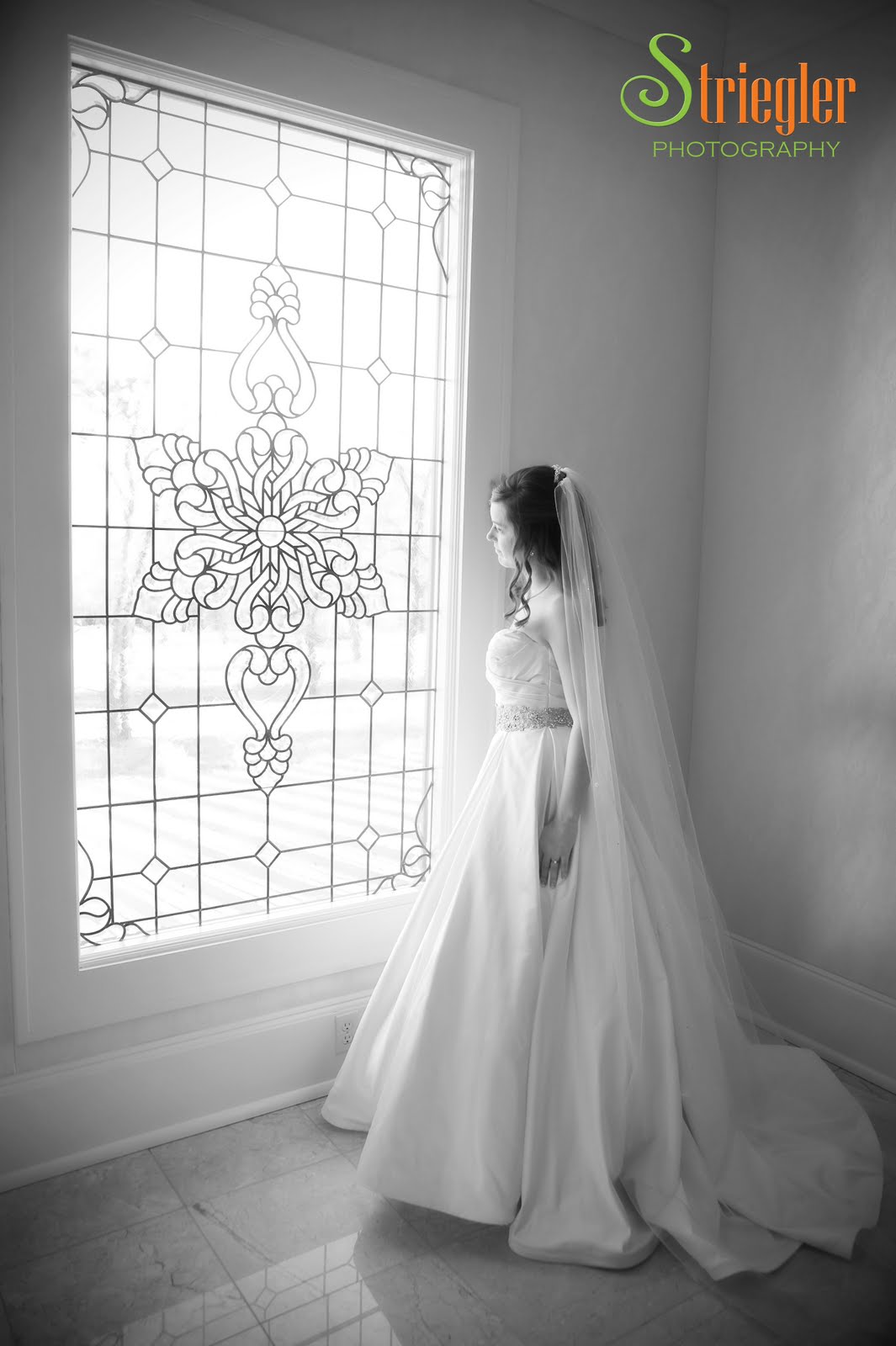
Our experience with the two was just amazing. We did Rachel's bridals at Pratt Place, which is a hidden jewel near campus. I have lived in Fayetteville almost my entire life, and I had no clue the place even existed. It was gorgeous.

The wedding was equally amazing. There was a beautiful ceremony, followed by a trolley ride to a country club. The band was rocking and they even cut the cake with a real sword...a guy's dream.